Computer LabChap Success Center
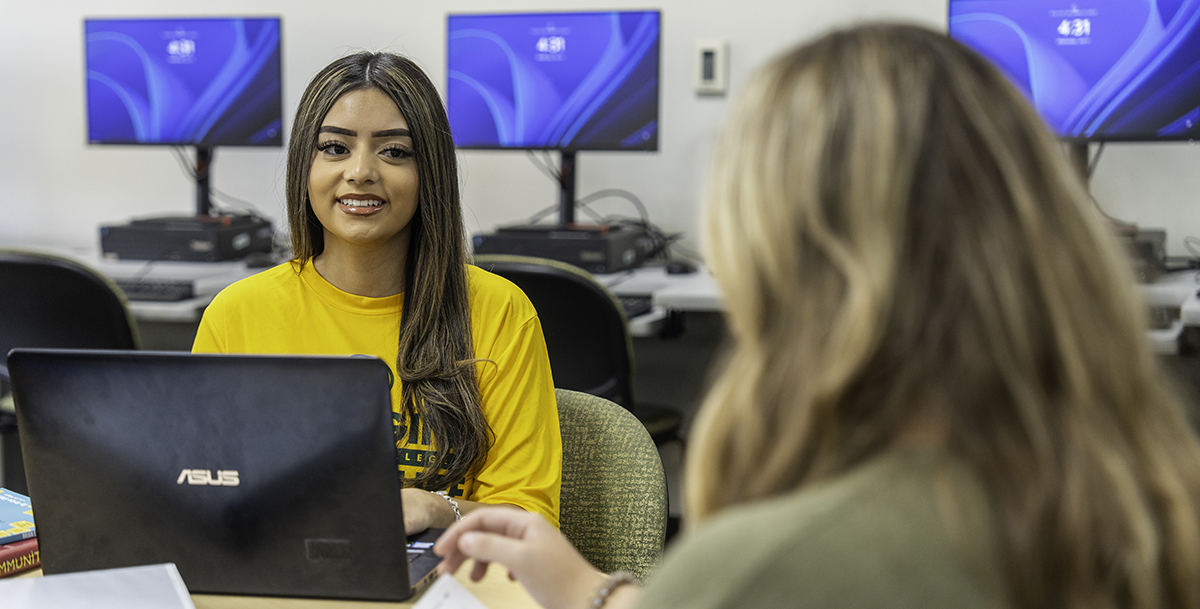
The Computer Lab provides Midland College students with free access to technology, academic resources, and personalized support. The lab offers computers, high-speed internet, printing, and a variety of programs to support coursework and student success.
Students are welcome to use the Computer Lab for completing assignments, participating
in online courses, and accessing course materials. Our staff is also available to
assist with technology-related questions, including BCIS & Programming tutoring, Microsoft
Office applications, Canvas, and other common academic software. Whether you need
help with a project, access to reliable technology, or a quiet place to study, the
Computer Lab is here to support your academic journey.
HoursPlease visit our Academic Support Hours page for current hours. |
LocationMain Campus |
What We Offer
Select links below for more details
Receive assistance with BCIS coursework, technology assignments, and programming projects. Whether you need help understanding assignment instructions, formatting projects, navigating software, troubleshooting code, or learning programming languages such as Java, Python, or JavaScript, our staff are here to help.
Please keep in mind that tutoring is not offered at all times when the computer lab
is open. Please view our hours for more information
Use our computers, high-speed internet, academic software, and printing services to complete coursework, conduct research, and participate in online classes. Students can print in both black-and-white for free and in limited color, making it easy to complete assignments and projects.
Need help with Microsoft 365? Our staff can assist you with the tools you use most throughout your college career. Whether you're creating an assignment, organizing files, or preparing a presentation, we're here to help you build your skills and complete your coursework with confidence.
- Microsoft Word – Assistance with document formatting, page layouts, citations, tables, headers and footers, templates, proofreading tools, and preparing professional papers and reports.
- Microsoft Excel – Help creating spreadsheets, using formulas and functions, organizing data, building charts and graphs, sorting and filtering information, and understanding basic spreadsheet concepts.
- Microsoft PowerPoint – Support designing engaging presentations, applying themes and layouts, inserting images, videos, charts, animations, transitions, and preparing presentations for class.
- OneDrive – Learn how to save, organize, access, and share files from any device. We can help you synchronize files, recover previous versions, collaborate on documents, and ensure your coursework is safely backed up to the cloud.
Need a quiet place to focus? Our Individual Study Room is a private, single-person study space available on a first-come, first-served basis. The room includes a computer workstation, making it an ideal environment for independent studying, completing coursework, participating in virtual meetings or online classes, and taking practice exams or other low-distraction activities.
The Individual Study Room is designed for one student at a time to provide a quiet,
distraction-free space that supports concentration and productivity.
The Chap Success Center's tutor training program is certified by the College and Reading Learning Association's (CRLA) International Tutor Training Program Certification (ITTPC).